
Screenshots

App details
- Updated
- 2023-12-13T02:02:15.5482046Z
- Requires
- Windows 10 version 17763.0 or higher
- Language
- English
- Developer
- Blender Foundation
- Category
- Mobile
SoftPas in:
This product is also available in the following languages:
About Blender 3.6 LTS
Download Blender 3.6 LTS – 3D modeling, animation, video editing, rendering, open-source
Overview
Blender 3.6 LTS stands as a cornerstone in the world of 3D digital creation, offering a comprehensive suite of tools tailored for artists, designers, and creators across multiple disciplines. Designed for both beginners and experienced professionals, this open-source application addresses core needs in 3D modeling, animation, simulation, rendering, and video editing—all within a single, unified platform. Its purpose is to empower users to bring complex visual ideas to life without relying on expensive proprietary software. The app solves the persistent challenge of fragmented workflows by integrating diverse creative tools into one cohesive environment, reducing the need to switch between multiple applications. The target audience includes independent artists, animation studios, game developers, educators, and students exploring digital content creation. With its roots in the Blender Foundation, the software benefits from a long-standing commitment to open collaboration and accessibility. Real-world use cases span from creating animated short films and architectural visualizations to developing game assets and producing video content with integrated 3D effects. In the broader app ecosystem, Blender 3.6 LTS plays a vital role as a free, powerful alternative to commercial 3D suites, fostering innovation and democratizing access to high-end creative tools.Key Features & Functionality
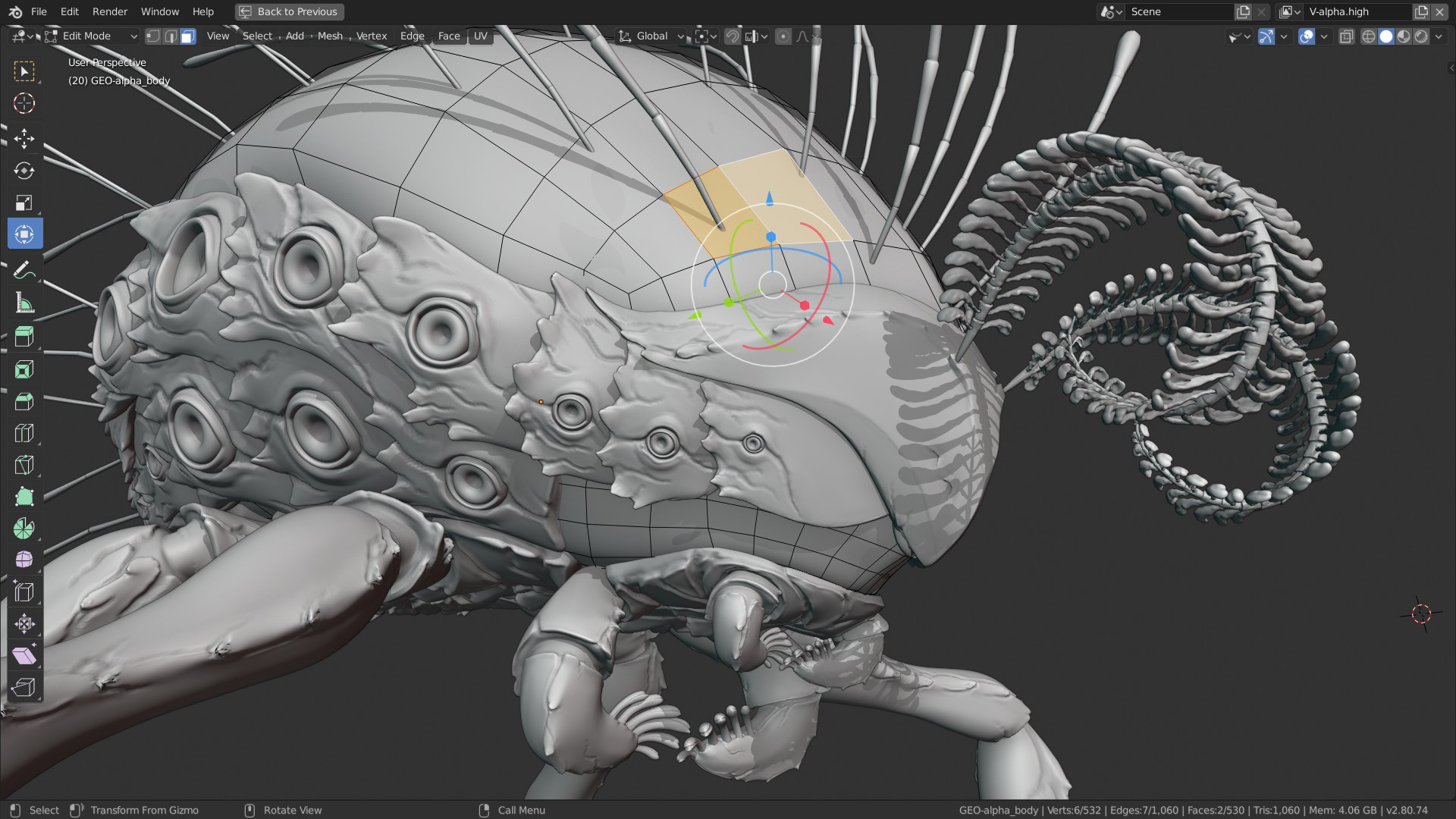
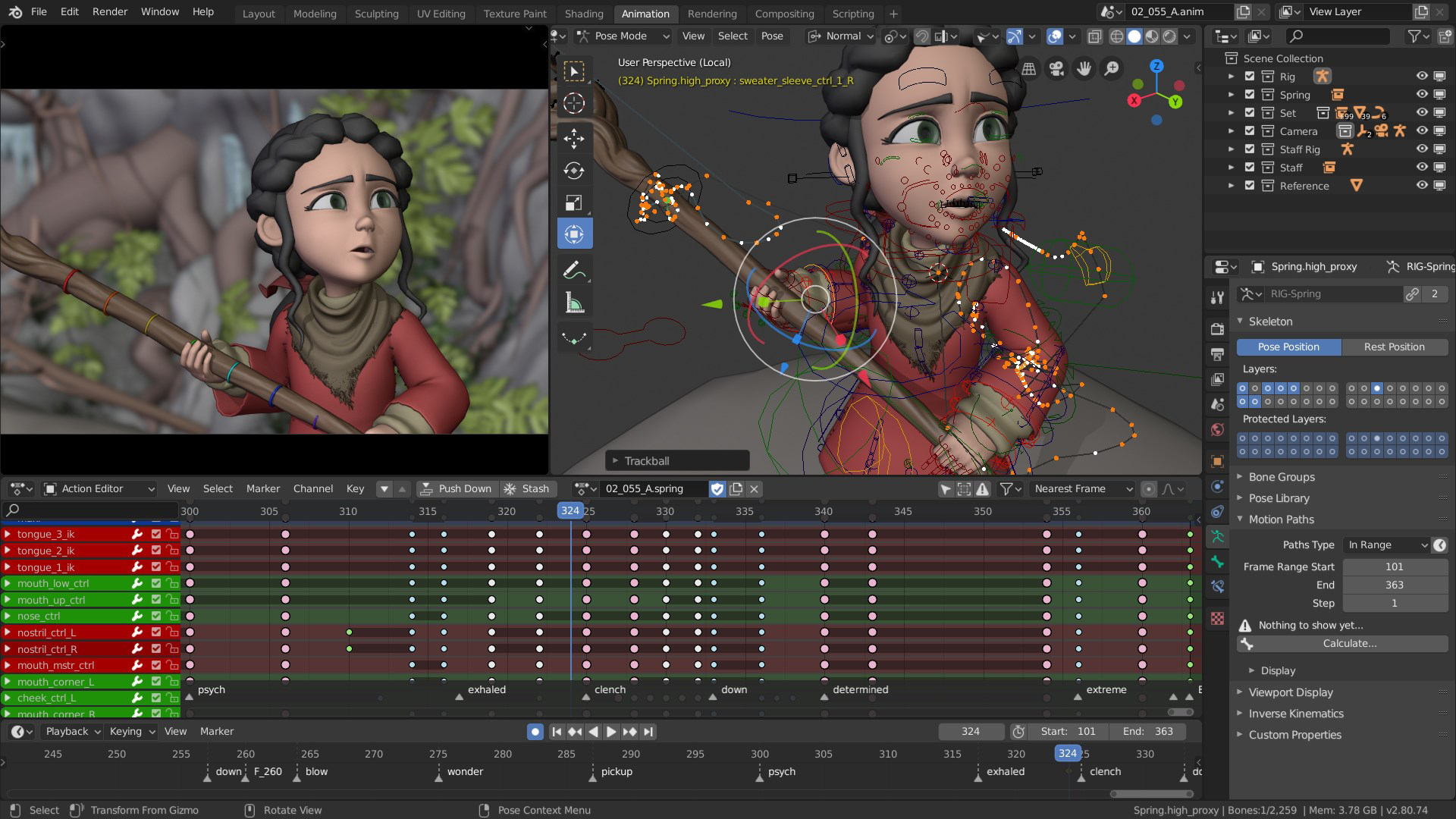
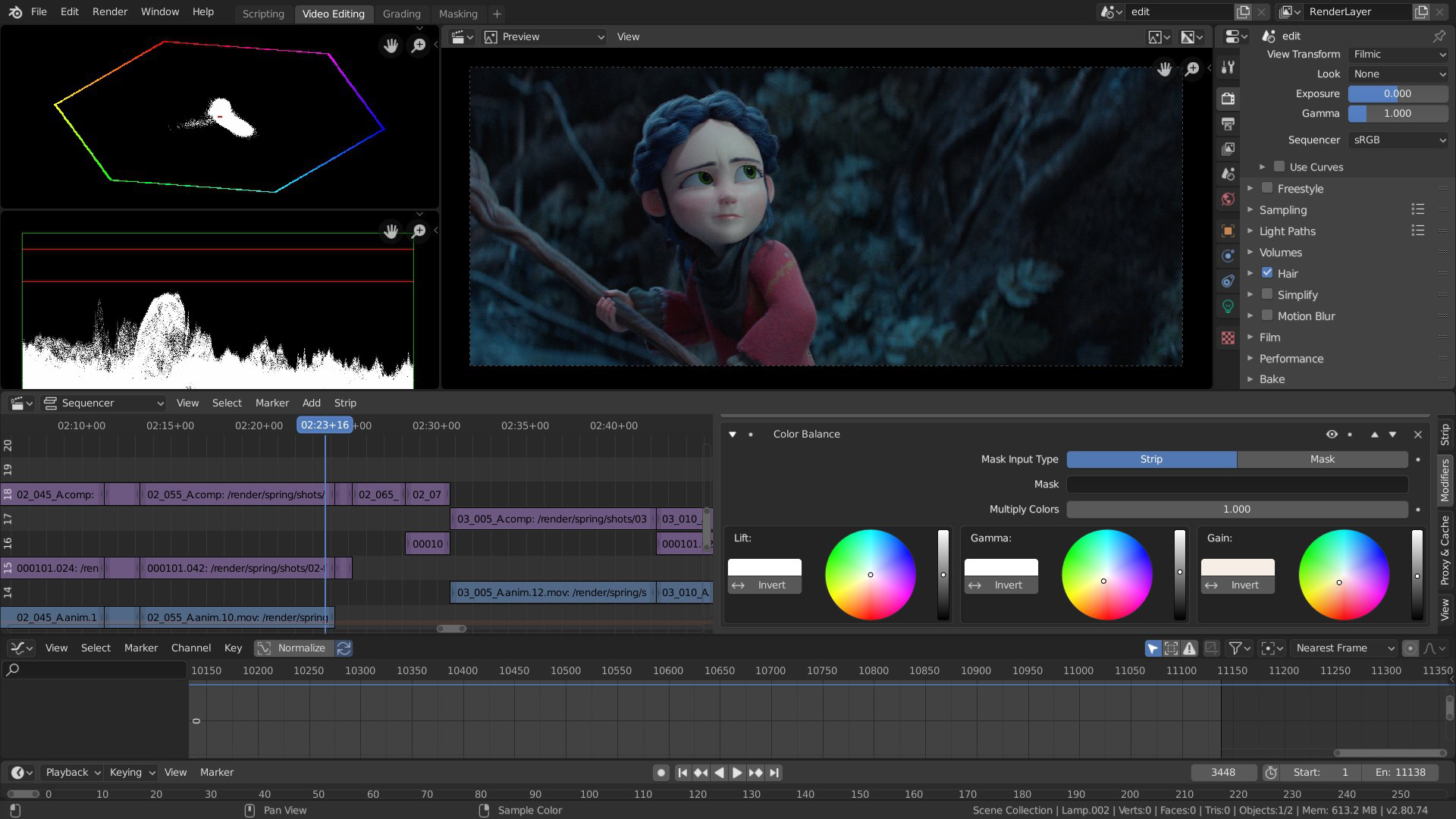
Blender 3.6 LTS delivers a robust set of capabilities that support end-to-end 3D production pipelines. The comprehensive 3D modeling tools include mesh modeling, sculpting, and an array of modifiers, enabling users to build intricate structures and lifelike organic forms with precision. For instance, a concept artist can quickly block out a character’s form using dynamic topology and refine details through high-resolution sculpting, all within the same workspace. Advanced animation features include character rigging, motion tracking, and a non-linear animation (NLA) editor that allows for modular animation assembly and reuse—ideal for animators working on long-form projects. The integration of Cycles, a physically based ray-tracing rendering engine, ensures cinematic-quality output with accurate lighting, shadows, and materials. Meanwhile, Eevee provides real-time rendering for fast previews and interactive feedback during the creative process. The built-in Video Sequence Editor (VSE) supports multi-track editing, transitions, color grading, and compositing, allowing creators to seamlessly blend 3D animations with live-action footage. This integration is particularly useful for video producers who need to deliver polished content without leaving the application. The software’s open-source nature also means continuous improvements through community contributions, ensuring long-term usability and adaptability.- Comprehensive 3D modeling with mesh and sculpting tools
- Non-linear animation (NLA) editor for modular animation workflows
- Cycles rendering engine for photorealistic visuals
- Eevee for real-time rendering and fast previews
- Integrated Video Sequence Editor (VSE) for video editing and compositing
- Open-source platform with active community support
Interface, UX & Performance
The user interface of Blender 3.6 LTS is highly customizable, allowing users to rearrange panels, assign keyboard shortcuts, and save workspace presets tailored to specific tasks such as modeling, animation, or rendering. The visual style emphasizes functionality, with a clean layout that organizes tools into logical sections, though it may present a learning curve for first-time users. Navigation is primarily mouse- and keyboard-driven, with a focus on efficiency once users become familiar with the workflow. The application demonstrates strong responsiveness across different device categories, including desktop systems with mid-to-high-end graphics capabilities. Although the developer did not list formal performance metrics, users can expect stable operation during typical workflows, with occasional performance dips during complex rendering or simulation tasks. The software maintains consistent stability, particularly in long-running sessions, thanks to optimized memory handling and regular bug fixes in the LTS (Long-Term Support) release. Users working on large-scale projects benefit from the application’s ability to handle high-polygon models and complex scenes without frequent crashes. The interface remains responsive even when multiple tools are open simultaneously. For those new to 3D creation, the learning curve is steep but manageable, supported by extensive documentation and community tutorials. Overall, the UX is geared toward power users who prioritize control and customization over out-of-the-box simplicity.Platform Compatibility & Technical Requirements
Blender 3.6 LTS is available on Windows, macOS, and Linux platforms, ensuring broad accessibility across major operating systems. The software is distributed as a standalone installer with a file size of 1.1 GB, making it suitable for modern desktop systems with ample storage. The version number is 3.6 LTS, indicating it is a Long-Term Support release, which means it receives critical updates and security patches for an extended period. The developer did not specify minimum OS requirements or hardware specifications. However, given the nature of 3D rendering and animation, users are advised to have a system with a dedicated GPU, sufficient RAM (at least 8 GB recommended), and a modern CPU for optimal performance. Compatibility with older or low-end devices may vary, and users should consult official documentation for system-specific guidance. No mobile platform support was mentioned.Pros and Cons
Pros
- Free and open-source—no licensing costs
- Full suite of 3D creation tools in one application
- Long-Term Support (LTS) version ensures stability and updates
- Active community with extensive tutorials and forums
- Highly customizable interface and workflow
- Supports real-time rendering (Eevee) and photorealistic rendering (Cycles)
Cons
- Steep learning curve for beginners
- Requires powerful hardware for complex projects
- No official mobile version available
- Developer did not provide detailed system requirements
- Interface may feel overwhelming without prior experience
FAQ
Is Blender 3.6 LTS safe to download and install?
Yes, Blender 3.6 LTS is a legitimate, open-source application developed by the Blender Foundation. It is distributed through official channels and does not contain malware or unwanted software.Can I use Blender 3.6 LTS for professional projects?
Yes, many professional studios and independent creators use Blender 3.6 LTS for production work, including film, game development, and architectural visualization, due to its robust feature set and reliability.Is Blender available on mobile devices?
The developer did not list mobile platform availability. Blender 3.6 LTS is currently designed for desktop operating systems only.How often is Blender updated?
As a Long-Term Support release, Blender 3.6 LTS receives critical updates and security patches for an extended period, though major new features are introduced in separate releases.Do I need a powerful computer to run Blender 3.6 LTS?
While basic tasks can run on mid-range systems, complex modeling, animation, and rendering workflows benefit from a dedicated GPU, ample RAM, and a modern CPU. Specific hardware requirements were not listed by the developer.Final Thoughts
Blender 3.6 LTS remains a vital tool in the creative ecosystem, offering unmatched value for artists and creators seeking a free, powerful, and future-proof solution for 3D content creation. Its integration of modeling, animation, rendering, and video editing into a single platform eliminates workflow fragmentation and lowers the barrier to entry for aspiring professionals. While the learning curve is significant, the long-term benefits—especially in terms of cost, flexibility, and community support—make it an ideal choice for students, educators, indie developers, and studios alike. For anyone serious about 3D design, animation, or video production, Blender 3.6 LTS delivers a professional-grade experience without the price tag. Its open-source foundation ensures transparency, continuous improvement, and global accessibility. Whether you're crafting a short film, designing game assets, or producing multimedia content, this tool is built to keep pace with your ambitions. Download Blender 3.6 LTS nowGuides & Tutorials
How to install Blender 3.6 LTS
- Click the Download button above.
- Once redirected, accept the terms and click Install.
- Wait for the Blender 3.6 LTS download to finish on your device.
How to use Blender 3.6 LTS
This software is primarily used for its core features described above. Open the app after installation to explore its capabilities.
User Reviews
No reviews yet. Be the first to share your experience.
You may also like
more
Que no te pillen¡
About !Que no te pillen¡Reviewed by Jason A. BilbreyShow MoreShow Less

3D Combat Zone
About 3D Combat ZoneOriginally released in 1983, 3D Combat Zone immerses players...

666: El día del portal
About 666: El día del portalOn June 6, 2006, Agent P. Stone uncovers a sinister...

80 in 1 Best Flash games
About 80 in 1 Best Flash games 80 in 1 Best Flash games is a collection of 80 fl...

ABYSS SEEKERーーWhat Do You See Deep in The Abyss
About ABYSS SEEKERーーWhat Do You See Deep in The AbyssIn ABYSS SEEKER, players...

ACA NEOGEO THE KING OF FIGHTERS 2002 for Windows
About ACA NEOGEO THE KING OF FIGHTERS 2002 for WindowsTHE KING OF FIGHTERS 2002,...